
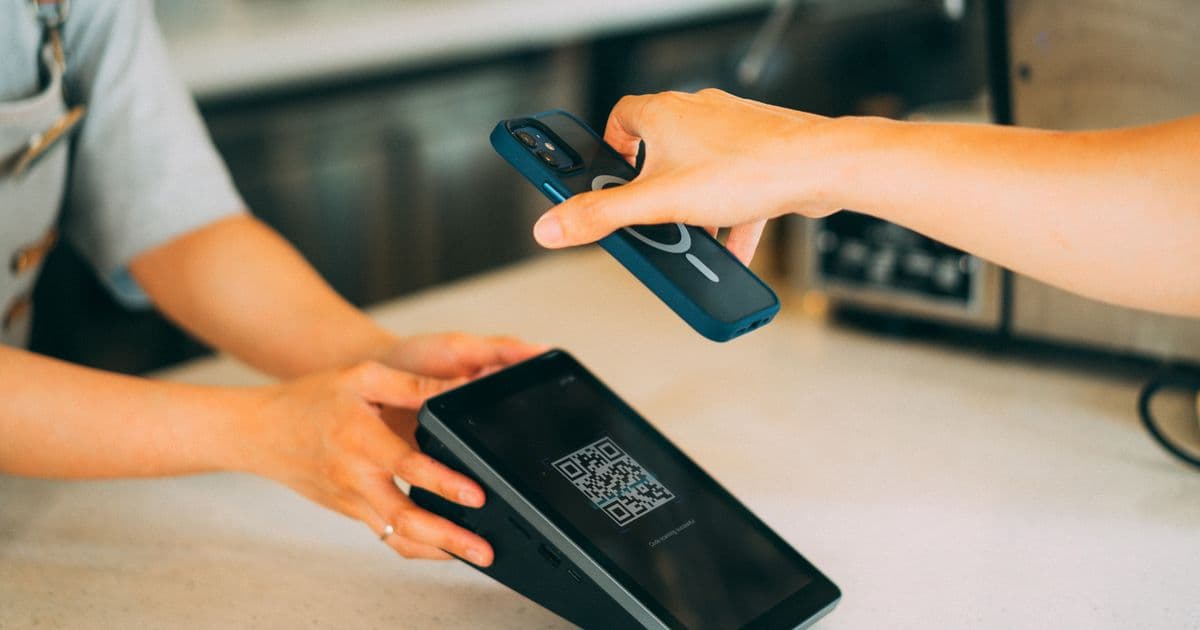
A QR code on the table looks simple. But the gap between a code people ignore and one people scan every day comes down to a handful of details. Here is what works.
Why QR beats every other channel in person
Email surveys get opened hours later, if at all. Paper forms get tossed. A QR code works because it meets the customer exactly where the experience happened, on the device already in their hand. No app, no login, no typing a URL. They point the camera and the feedback page opens in the browser.
That low friction is the whole advantage. Every extra step you add cuts the response rate.
Placement: put it where the eyes already are
The best QR placement is wherever a customer is already sitting still and looking down.
- Restaurants and cafés: on the table tent, the bill folder, or the receipt.
- Retail: at the counter near the card machine, where they wait a few seconds anyway.
- Services (salons, clinics, workshops): at the reception desk or on the invoice.
Avoid the entrance and the exit door. People are moving and distracted there. Aim for the calm moment, not the busy one.
Timing: ask while it is fresh
Feedback quality drops fast with time. The sweet spot is right at the end of the experience — after the meal, after the haircut, after the purchase. The memory is sharp and the emotion is real. A code that is visible exactly at that moment will always beat a "please review us later" message.
Wording: tell them it is private and quick
The small line of text next to the code matters as much as the code itself. Two things to signal:
- It is fast. "30 seconds" or "one quick tap" lowers the mental cost.
- It is safe. "Goes straight to the owner" or "private, not public" makes honest people comfortable being honest. This is the difference between a polite 5 stars and the real story — the same point we make in why honest feedback matters.
Keep the ask warm and human. "How did we do today?" works better than "Customer Satisfaction Survey."
Design: make the code obvious and on-brand
- Use enough contrast and size so a phone camera locks on instantly, even in low restaurant light.
- Put your logo in the centre so it looks like you, not a random sticker.
- Print on something durable. A curling, coffee-stained code says you stopped caring.
Multi-location: keep each spot separate
If you run more than one outlet, give each location its own code so the feedback is tagged to the right place. Otherwise you cannot tell which branch is dipping. With multi-location support you can compare outlets side by side instead of guessing.
Measure, then improve
Once feedback is flowing, do not just collect it — read the trend. Group the themes, watch sentiment over time, and act on what repeats. For that, see how AI insights turn raw feedback into decisions.
Quick checklist
- Code placed where customers sit still
- Visible right at the end of the experience
- Short, warm wording that promises speed and privacy
- Logo in the centre, printed durably
- A separate code per location
Get the basics right and a simple sticker becomes your most reliable feedback channel. Start your free trial and generate your first branded QR code in minutes.